Bluehost’s AI Website Builder generates your website by giving a prompt and answering a few follow-up questions. A quick way to get back online, with hosting, a domain, and even human support included if needed.
Bear in mind that changing your domain name comes with several drawbacks:
- If your website was popular in the past, you will probably have built up some domain authority. Meaning that people know your brand name and can have (positive) associations with it. So when you change your domain name, you’ll lose any domain authority you’ve gained previously.
- Your old URLs will no longer work, and you’ll need to plan to migrate your content to your new domain. This can be a lot of work, so don’t underestimate it!
Are your CMS and plugins up to date?
The next thing you’ll want to check is whether your CMS is up to date. Depending on how old your site is, that could mean all kinds of things. As new possibilities arise in web development, a good CMS will adopt these and implement them for you (mostly) automatically. So it’s well worth updating your CMS as a first step! Make sure to back up your site and test the changes first, though.
The impact of out-of-date plugins really depends on which plugins you have installed. But whichever plugins you use, you should check these too. The same goes for themes; they can stop working if they’re too old or no longer supported. Online, the older your technology is, the more vulnerable it is to hacking, so make sure to update what you plan to use and remove unnecessary plugins.
Tip: If you’re using WordPress, go to the Site Health section, located under Tools > Site Health in the backend. This will give an overview of what needs to be done to get your website healthy again.
Check your robots.txt / indexing settings
Noindexing a page means you block search engines from indexing it and showing it in their search results. Some people prefer to noindex their site while they make big changes to it, to avoid leaving users with a bad impression. But you shouldn’t really play around with this unless you know what you’re doing. I would also not recommend doing this if you still get a decent amount of traffic to your site.
To noindex your site, you’ll need to update your robots.txt file. If you’re a Yoast SEO user, you can manage your indexing in your configuration settings without ever touching your robots.txt file. An easier way to update your site behind the scenes is by using the LightStart plugin.
Check your data privacy set up
If your site has been around for a few years, there’s a good chance your data privacy setup doesn’t meet modern standards. For instance, if your site uses cookies to track user behavior, it’s now a legal requirement to ask users for permission in most regions worldwide. Similarly, if you have user data stored on your site, you absolutely need to ensure it’s stored securely and used in a legally compliant way. If that data is old user data, the safest option is probably just to delete it all.
Check your content
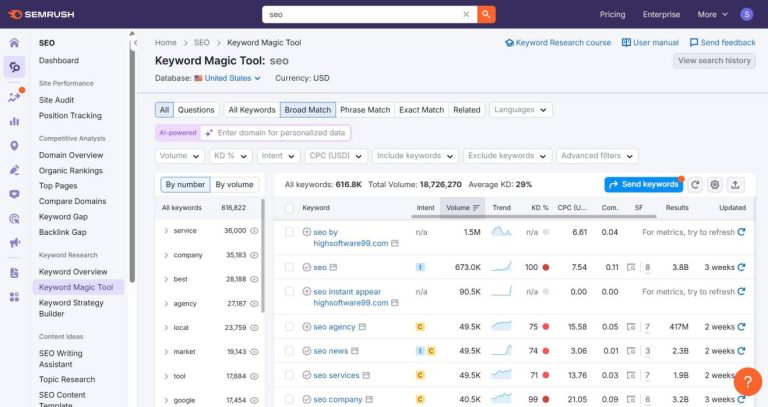
Refresh your keyword research
When it comes to updating the content on your old website, refreshing your keyword research is a good place to start. The words people use in their search queries change over time, so the longer your content has been out of action, the more likely it is that you need to do this. When checking your keywords, you should see whether you’re still using the most suitable ones for your site and audience, and whether you can still compete for those rankings.
Also, you should take AI search into account when researching how to update your content. AI search is now an undeniable part of people’s online search behavior, whether it’s Google presenting users with an AI overview or people using AI models like ChatGPT and Gemini. So make sure to optimize for AI search as part of your SEO efforts.
Does your content need updating?
It’s important to update your old posts and pages to keep them fresh and relevant. Old content can face various issues:
- Is the quality still good enough? Is there room to improve the content by applying the E-E-A-T principles?
- Is your information still accurate and up to date? Are there new insights that you could add to the content?
- Do the external and internal links still work? Do the meta description or SEO title need updating?
Take a look at each page, and be critical. What could be improved? Do you really need to keep each page? Will you need to rewrite the whole thing, or will some small adjustments be enough? It could take a while to get through all of your content. Make sure to start with your most important pages first.
Check your internal linking and site structure
Making sure your content is high-quality and well-optimized is only half the story. It needs to be findable too. By linking related pages, you make your content easier for your users to find. And on top of that, if you make sure your most important pages get the most internal links, it helps Google get a better idea of your site structure. As a result, those central pages (which we call cornerstone content) are likely to rank higher in search results!
Check the technical SEO
Mobile-friendly is essential
Most people are using their phones or other mobile devices to access the internet. As a result, Google switched to mobile-first indexing years ago. This means that if your site doesn’t work well on mobile, this can impact your overall visibility in search. Responsive site design and proper mobile usability testing are more of a requirement now than a nice extra. Make sure everything works, and that it looks good on all kinds of screen sizes. Don’t treat the desktop version of your website as the default.
Core Web Vitals and page experience
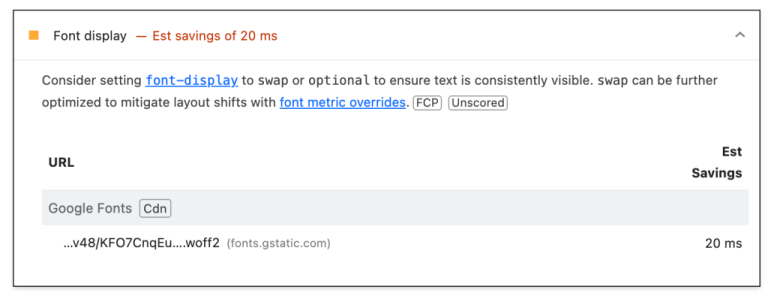
Back in the days of dial-up internet, you always had to wait patiently for pages to load. But that’s a thing of the past; pages that load quickly are a basic expectation nowadays. Loading quickly isn’t the only consideration, because your pages need to actually work well once they’ve loaded. Google has a ranking factor to measure things like this. So you need to make sure you’re meeting expectations for aspects such as:
- Loading performance (how fast does stuff appear on the screen?)
- Responsiveness (how fast does the page react to user input?)
- Visual stability (does stuff move around on the screen while loading?)
The details behind these factors are quite technical, but it’s worth delving into these Core Web Vitals to make sure your technical SEO isn’t holding you back.
Check your media usage
Another thing that changes over time is the best practice for using images and videos on your site. Nowadays, most users expect high-quality images that load quickly, too. Make sure to optimize and properly tag them before mindlessly adding them to your page. When it comes to video, these can increase your visibility on platforms such as YouTube and social media. They also tell search agents that the content on your page is rich and valuable, so make sure to get going with a proper video strategy for your site and other platforms.
Accessibility
For most websites, accessibility is an afterthought. Which is a big shame, as this also means you’re missing out on a whole group of potential customers. Don’t just consider how you experience a website; also accommodate the needs of different types of visitors. Accessibility means making small adjustments and additions that let everyone enjoy your content. You don’t need to redesign everything; there are simple improvements you can make, such as adding alt text to your images.
Structured data
If you want to have the best-looking search results in Google, you’ll need to start adding structured data to your site. Structured data is a way of telling Google about the context or purpose of different types of content. You can label your news items as news, for example, and Google can identify that and add your content to its News section. Or you could label your products using structured data and have a chance of getting listed in Google’s Shopping results. Structured data helps AI search engines and chatbots better understand your site. There are loads of ways structured data can boost your content, so give it a try!
Start publishing and sharing
Check your robots.txt / indexing settings (again)
Give your indexing a final check and make sure the pages you want Google to index are crawlable. You can start by checking your robots.txt or your indexing settings. Google Search Console can be a great help at this point. Submit your sitemap. This will let Google know your site is ready for indexing again, and help it understand what’s changed. Search Console will flag any crawl errors, so you can easily check whether everything is set up correctly.
Start (re)publishing and sharing content
And now for the final step in updating your old site: start publishing content again! Publishing content regularly and sharing it on social media will help you to build awareness of your site. Plus, you might gain some new fans and followers! If your social media pages are outdated, give them a refresh to let people know your site is back and ready to welcome them!
Update your site’s SEO with Yoast
As you can see, there’s a lot to check when updating SEO and refreshing your old website. Once you’ve restored your site to its former glory, make sure you maintain it and your SEO. Otherwise, in a few years, you might be doing this all over again. Luckily, our Yoast SEO plugin can help you update and maintain your old site, too!
Refresh your website with Yoast SEO Premium
Get Yoast SEO Premium and get feedback on your content, access to our SEO training and helpful tools to clean up your site!